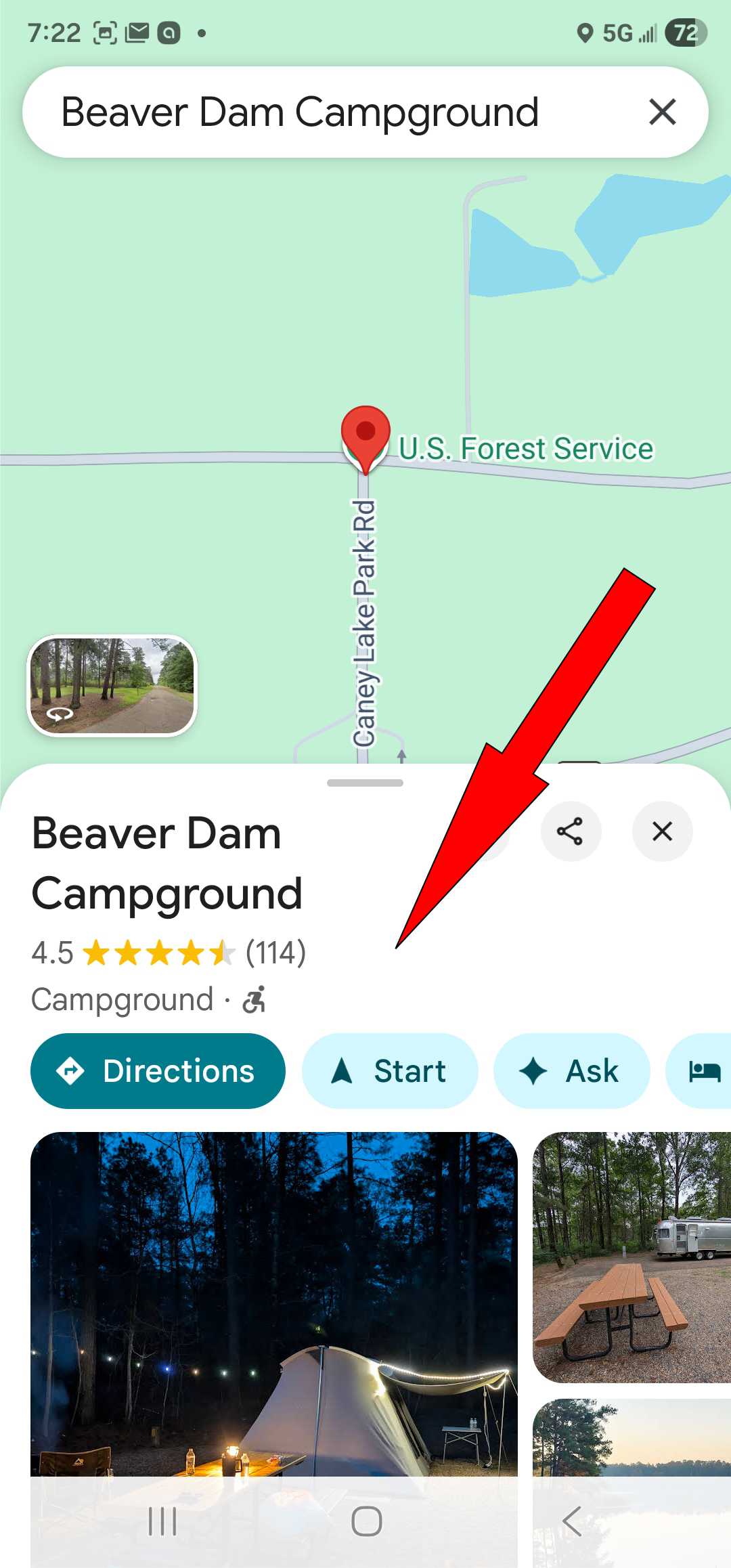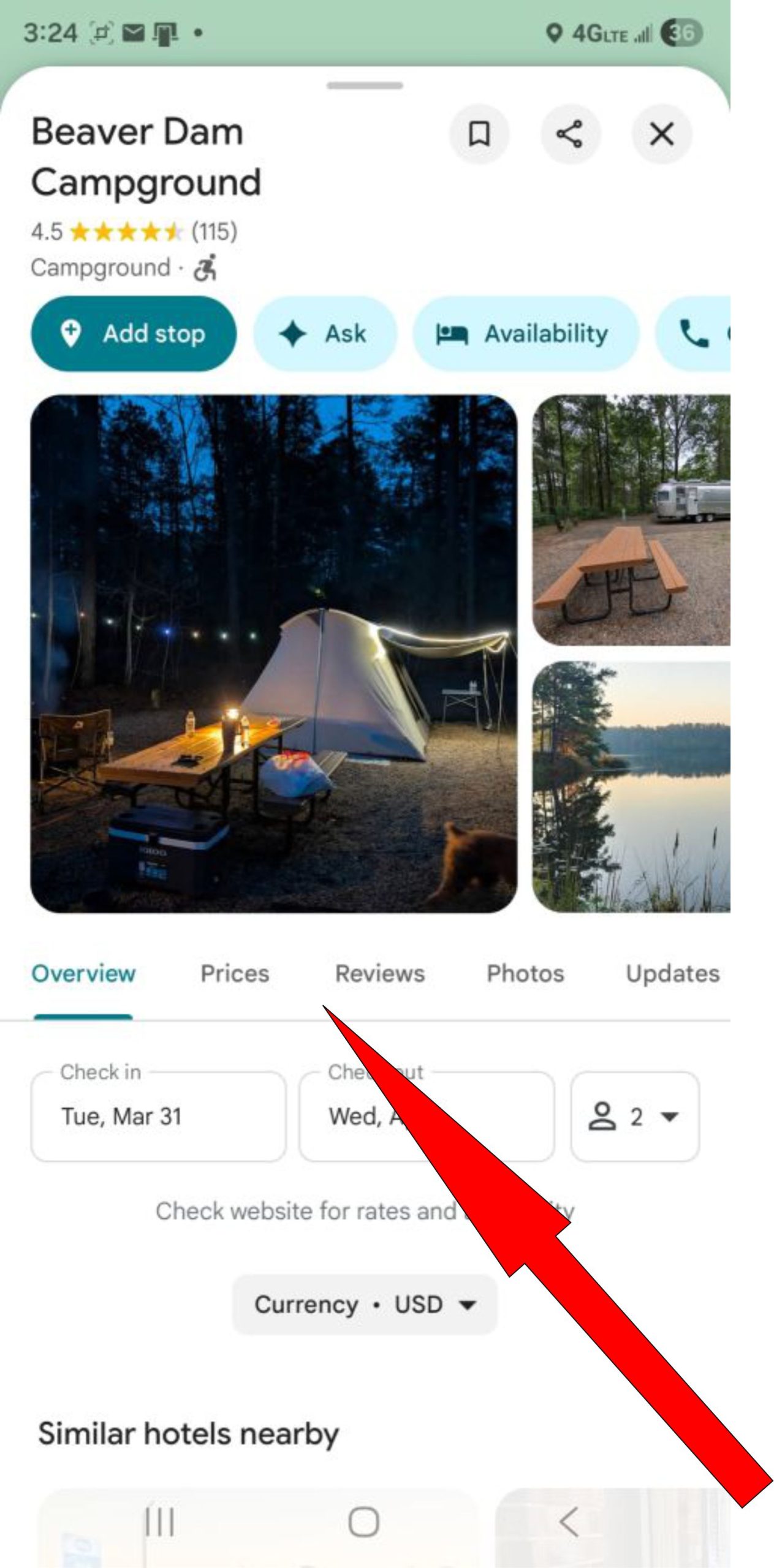



Tap “Get Directions” in the location pop‑up on the app's map. A new window with the directions on Google Maps will open

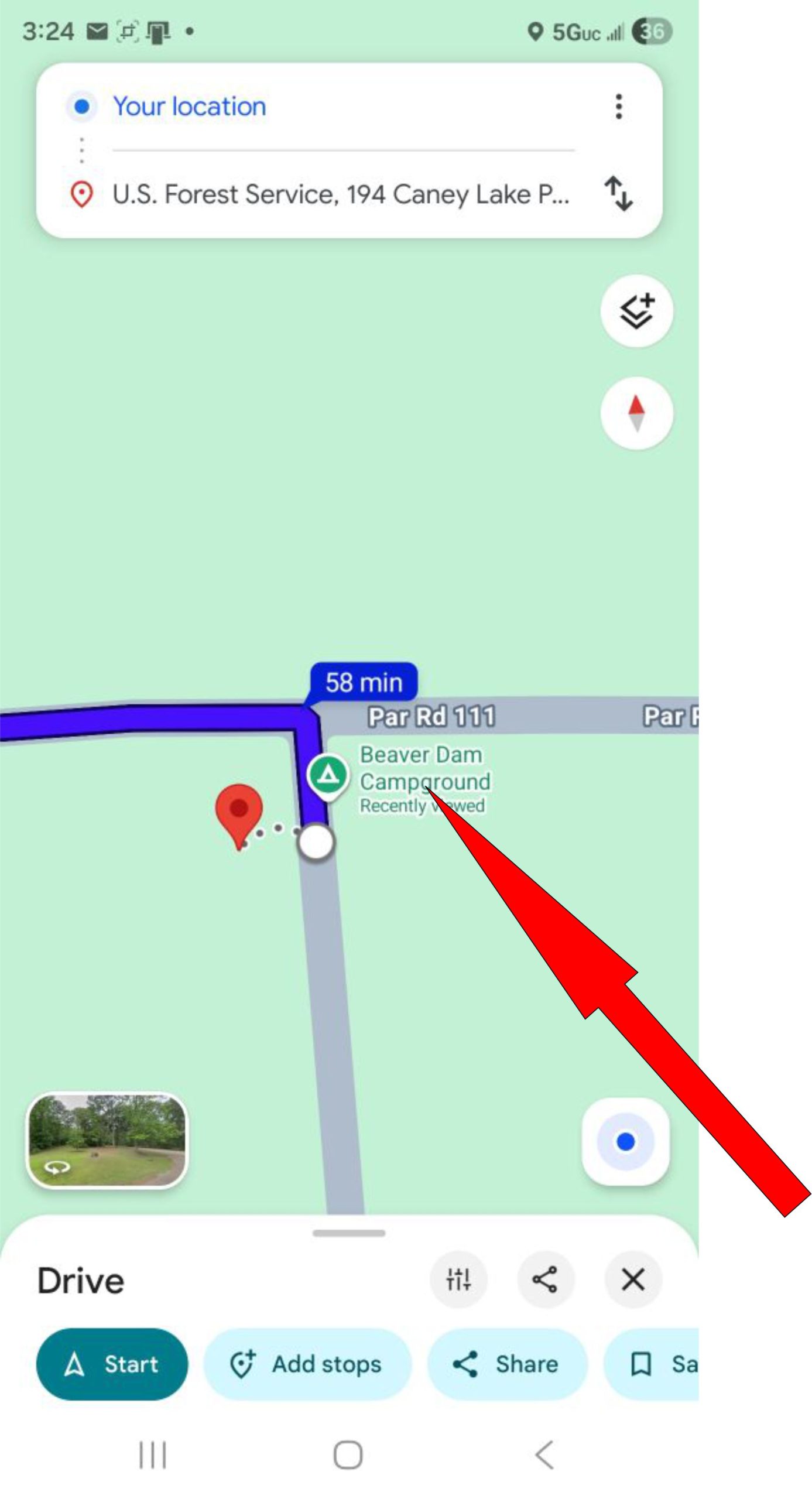
On Google Maps, view your route, then zoom into the destination marker. When the location label—typically green or blue text—appears, click it to reveal details, photos, reviews, and navigation options.
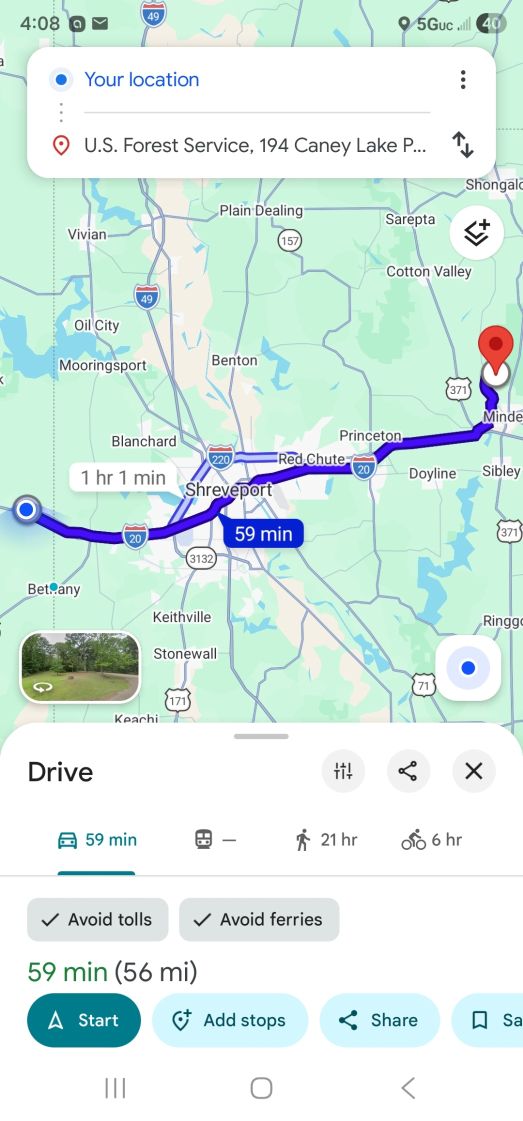
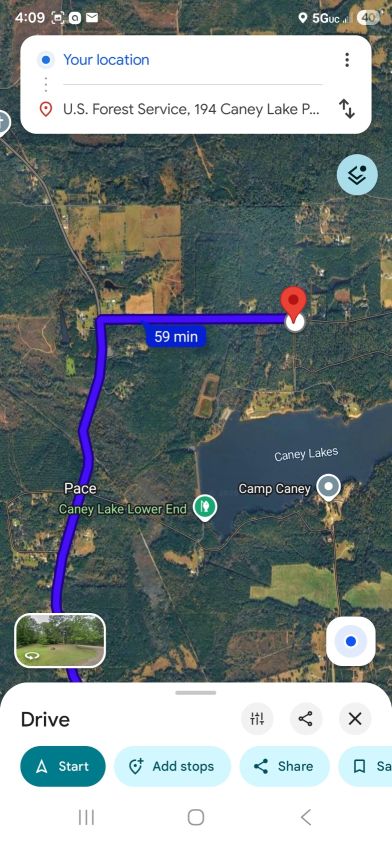
You can also switch to satellite view on Google Maps for a clearer, comprehensive perspective of your destination
Now you can browse through pictures, the latest reviews, and get directions to the location.